Connect your source.
Sign in with your authorized Xtream credentials or add an M3U playlist URL.
StreamPort Player brings live TV, movies, series, favorites, and recent items from your own authorized source into one clean experience.
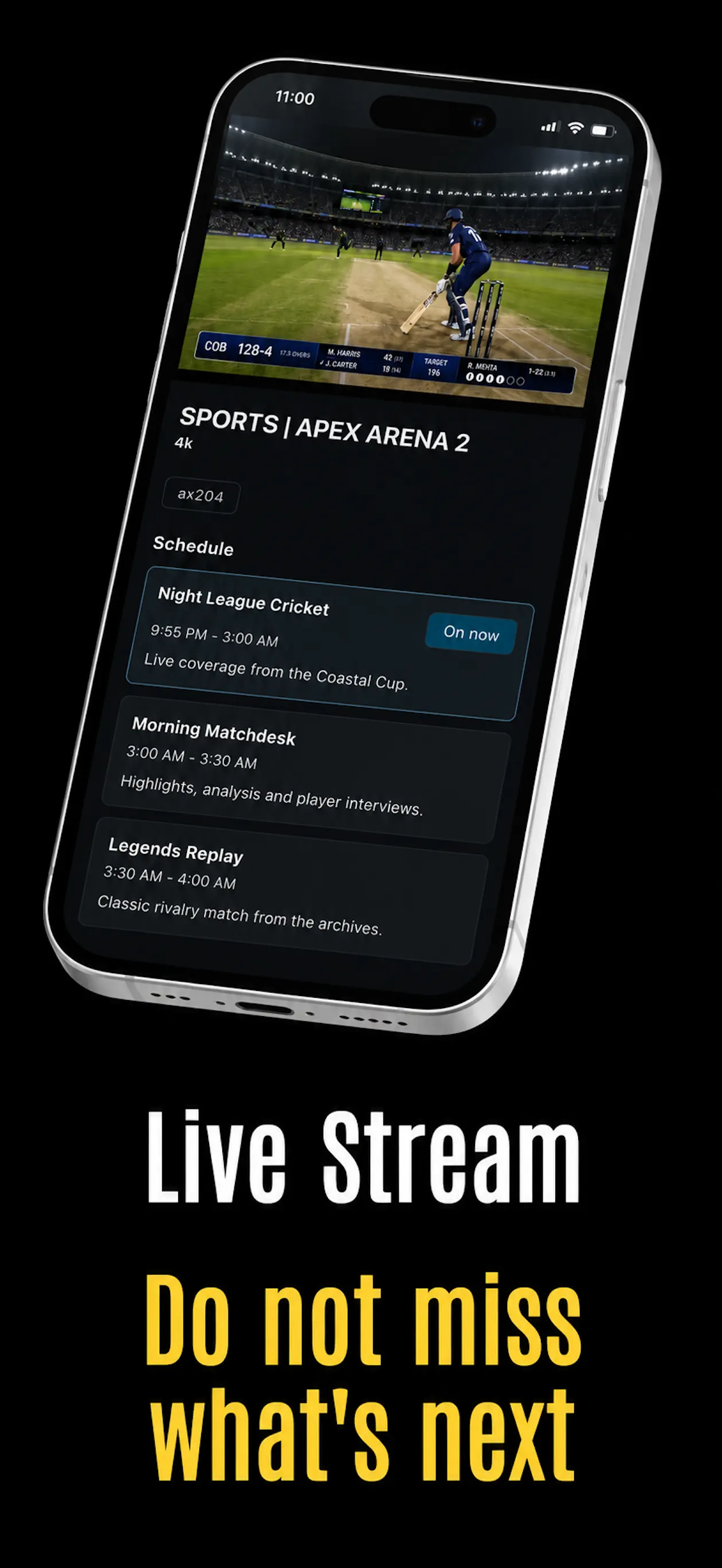
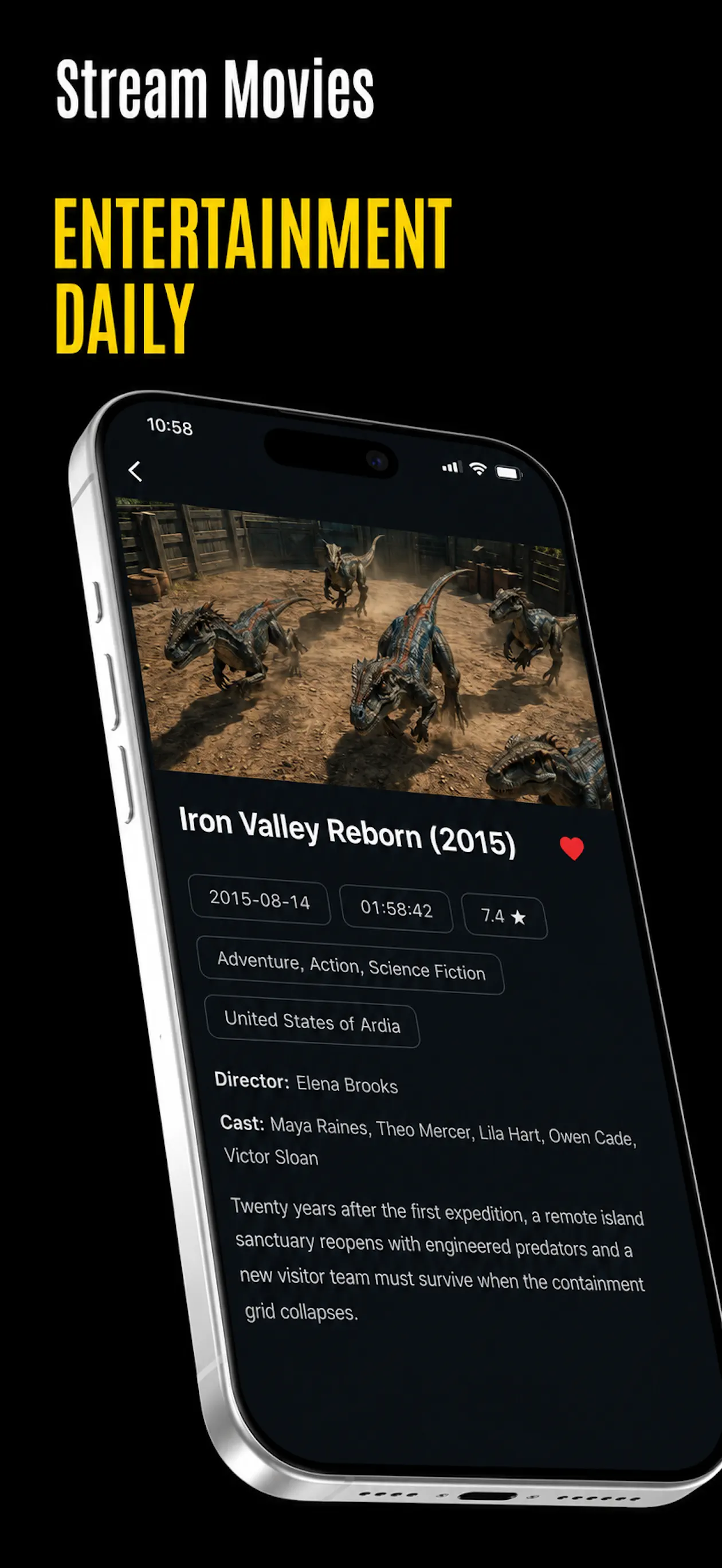
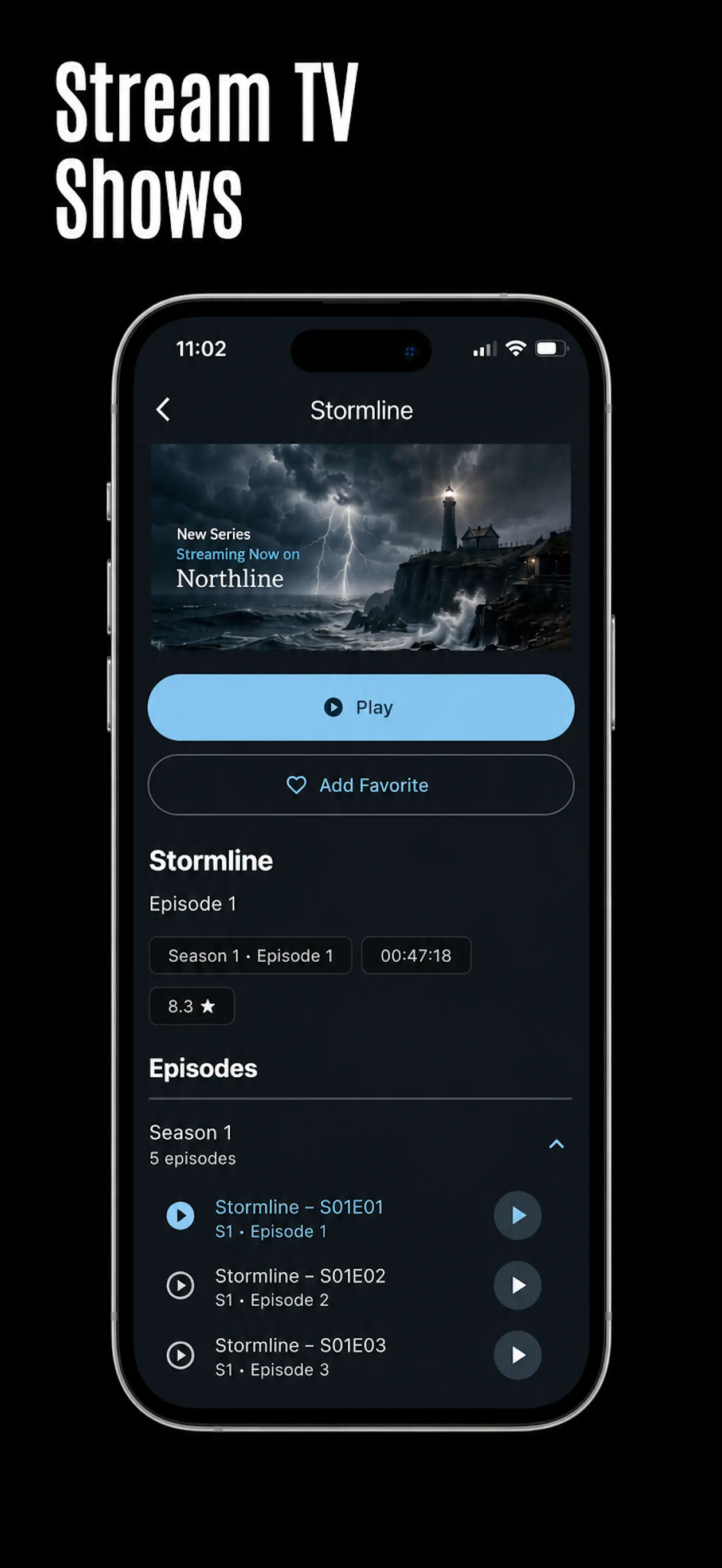
StreamPort stays out of the way. Connect what you already use, browse your catalog, and get straight to playback.
Sign in with your authorized Xtream credentials or add an M3U playlist URL.
Move between live channels, movies, series, favorites, recent items, and search.
Use a focused player with familiar controls, progress tracking, and quick episode access.
The useful pieces are close at hand, while advanced controls stay available for sources that need them.
Connect with the format your authorized source supports, with advanced endpoint and request options when needed.
View current and upcoming program information when your source provides guide data.
Find live channels, movies, series, and categories without digging through every section.
Recent movies and episodes stay easy to reach, with playback progress stored on your device.
Keep preferred channels, categories, movies, and series closer to the top of your experience.
Flexxxlab does not operate advertising or analytics in StreamPort Player and does not receive your source credentials.
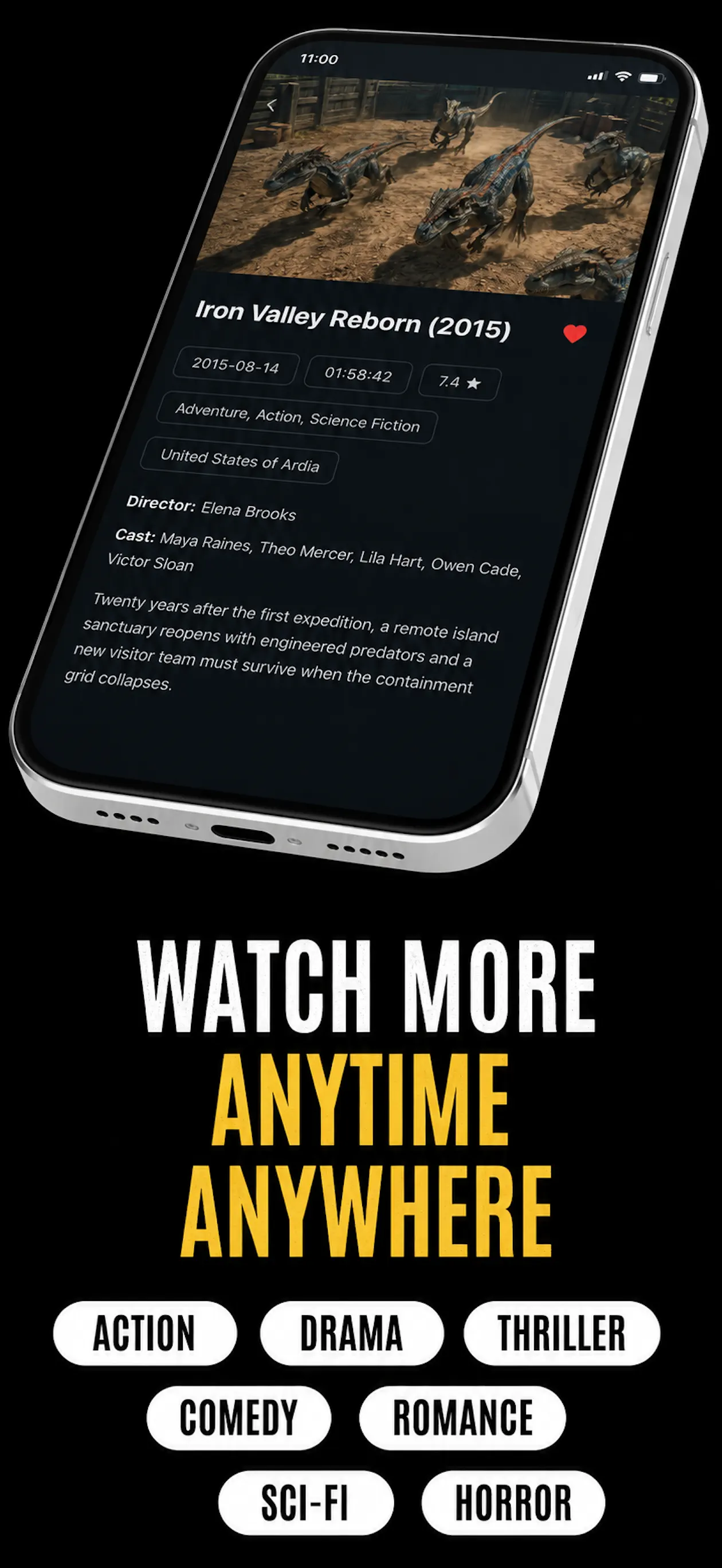
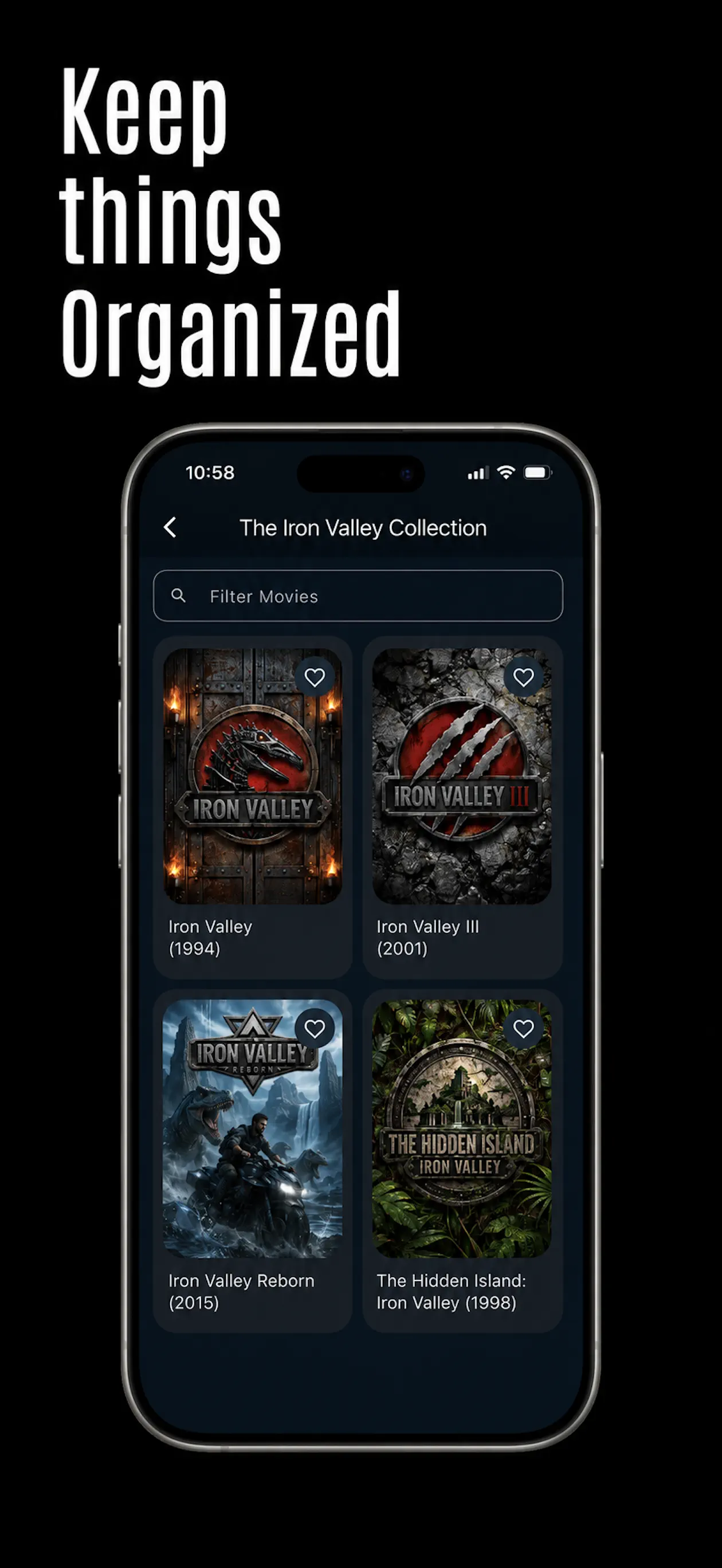
Real StreamPort screens show the app in action across movies, live programming, series, and organized collections.
Most playback issues begin with the source or connection. We will help you narrow it down and get back on track.
Open supportConfirm your server URL and credentials, then verify your network is online.
Reload the app or sign out and back in to request a fresh catalog.
Source availability and content access are managed by your source provider.
 Scan to get the iPhone and iPad app on the App Store. Android and Fire TV: use the store buttons.